Transform Your Workflows: Orchestrating Generative AI with Workload Automation and Amazon Bedrock7/7/2025 Let us begin with understanding Amazon Bedrock, what it is all about before moving to our Amazon Bedrock Plug-in, and how it benefits our workload automation users. To empower your Workload Automation environment, download the Amazon Bedrock plug-in available on Automation Hub.  In today's rapidly evolving digital landscape, businesses are constantly seeking innovative ways to enhance productivity and foster creativity. Generative AI stands at the forefront of this transformation, offering unprecedented opportunities for content creation, intelligent automation, and personalized experiences. Now, imagine seamlessly integrating this revolutionary AI capability directly into your existing operational framework. That's precisely what our new Amazon Bedrock plugin for Workload Automation makes possible. This valuable addition is designed to integrate effortlessly with Amazon Bedrock, a fully managed service that provides access to a choice of high-performing foundation models (FMs) from leading AI companies and Amazon, all through a single API. This powerful combination allows you to orchestrate generative AI workloads within your enterprise, automating tasks that require content generation, summarization, conversational AI, and much more. Key Features:
The Amazon Bedrock plugin can enable the integration of generative AI agents into financial risk assessment workflows for a banking institution. This workflow begins with Workload Automation triggering the collection and ingestion of diverse financial data, such as customer transaction histories, credit scores, market data, and relevant news feeds, ensuring it's prepared for analysis. An Amazon Bedrock task then performs a comprehensive risk assessment by submitting this structured and unstructured financial data to a pre-trained foundation model. This model analyzes patterns, identifies anomalies, and generates a risk score for individual customers or portfolios, along with detailed explanations for the score. The generated risk assessment, including the score and explanations, is then passed back into the Workload Automation workflow. Depending on the severity of the risk score, the workflow can either automatically flag the customer for further review, trigger the creation of a personalized risk mitigation strategy document (generated by Bedrock), or even initiate an alert for a human financial advisor to intervene. The workflow consistently concludes with the updating of audit logs to maintain a complete history of all assessments. Getting Started with the Amazon Bedrock Plug-in. To begin using the Amazon Bedrock Plug-in, follow these steps: 1. Connect to Amazon Bedrock Log in to the Dynamic Workload/UnO Console and open the Workload Designer/Designer. Create a new job definition/task and select the Amazon Bedrock. Access Key and Secret Key: Provide the AWS access key ID and secret key. Role ARN: Provide the Amazon Resource Name (ARN) of the role to assume for accessing Bedrock. Region: Specify the AWS region where Amazon Bedrock is hosted (e.g., us-east-1). Test Connection: Verify the connection to ensure the credentials and region are correctly configured. 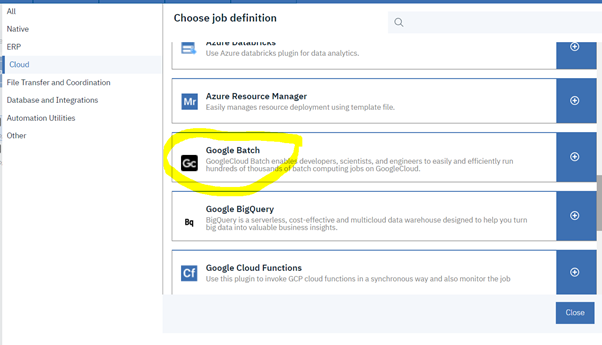 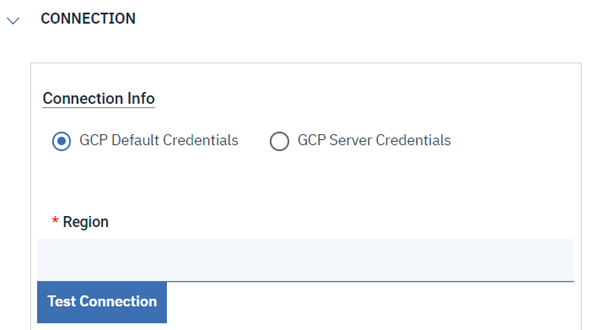 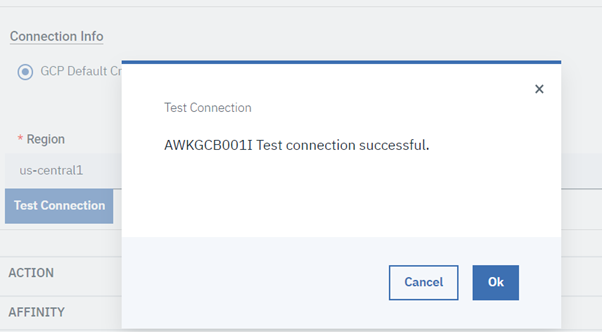 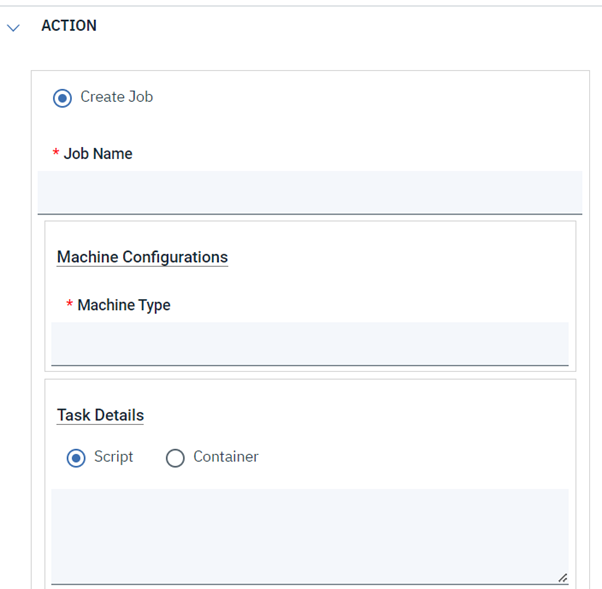 2. Define the Action In the Action tab, specify the details of the document to be processed: Model ID: Specify the identifier of the Foundation Model you wish to use (e.g., anthropic.claude-v2, amazon.titan-text-express-v1). User Message: Provide the primary prompt or instruction for the AI model. System Message (Optional): Offer additional context or behavioural guidelines for the model. Temperature (Optional): Adjust this value (typically between 0 and 1) to control the randomness of the output; higher values yield more creative results. Top_p: (Optional) Implementation of top_p for response sampling. The top probability helps in controlling the response from the LLMs .The top_p, or nucleus sampling, restricts token selection to a cumulative probability threshold. For example, top_p: 0.9 means the model considers only tokens that make up the top 90% of probability mass. Max Tokens (Optional): Set the maximum number of tokens (words/characters) the model should generate in its response. 3. Add/Save and Submit/Run your Job Once the job is defined, add/save it and submit/run it to the current plan. Add the job to a job stream to automate your business process flow. You can monitor the job execution in the Monitoring View. 4. Monitor Job Execution Track the job’s progress in the Monitor Page. If the job completes successfully, the status will update to “Successful”. 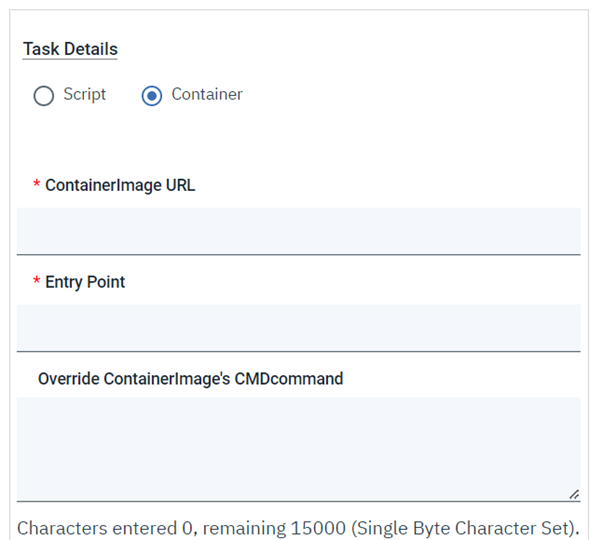 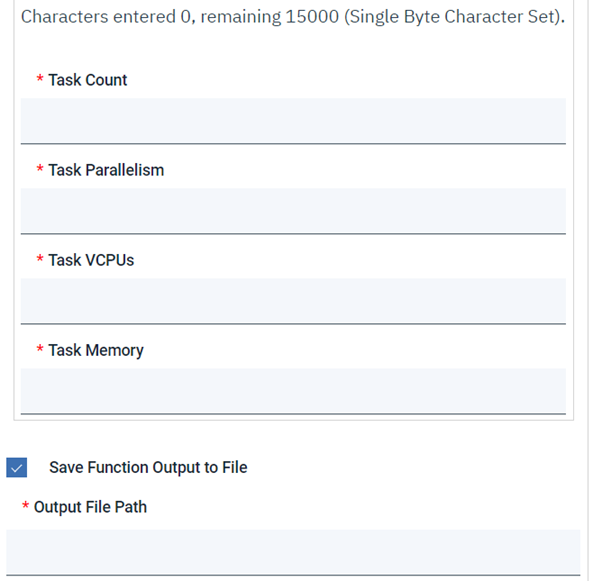 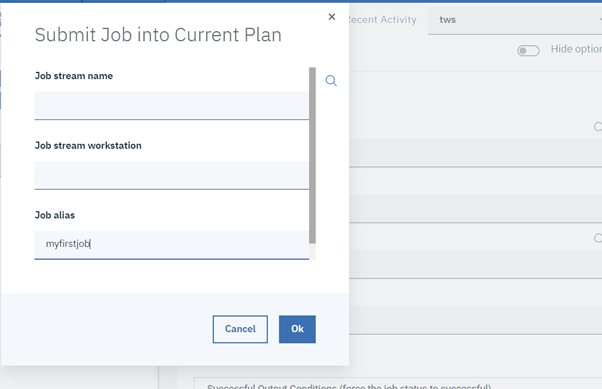 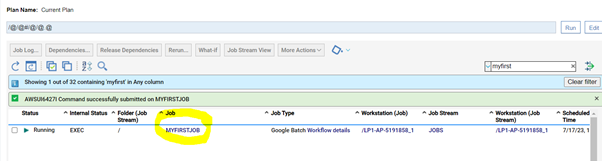 Why Choose the Amazon Bedrock Plug-in? The Amazon Bedrock Plug-in empowers businesses to automate generative AI workflows, saving time and unlocking new creative possibilities. By integrating with Workload Automation, you can centralize and streamline your AI operations, ensuring scalability, efficiency, and consistency across all your generative AI initiatives. Whether you're creating marketing copy, generating reports, or building intelligent chatbots, this plug-in is your gateway to smarter, automated AI-powered workflows. Job Log Details: 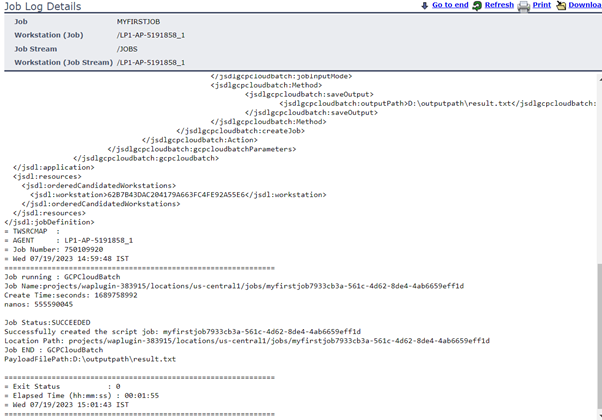 In Conclusion: The Amazon Bedrock plugin is a transformative tool that allows you to infuse the power of generative AI into your enterprise automation landscape through Workload Automation. By orchestrating AI-driven tasks, you can automate content creation, enhance data analysis, and build more intelligent and responsive business processes, driving innovation and efficiency across your organization.  Nilesh Kumar Mishra - Senior Software Engineer at HCL Software Works as a Plug-in Developer and L3 support in Workload Automation Plug-in Factory team. Proficient in Java, Git, Maven, Docker, Kafka, Spring MVC, Spring Boot and SQL. In his leisure time, he enjoys listening to a variety of music and admires the wonders of nature finding inspiration in its wonders.  Ernesto Carrabba, Product Manager, HCL Clara, HCL HERO and HCL Workload Automation
Ernesto Carrabba is the Product Manager for HCL Clara, HCL HERO and HCL Workload Automation. Ernesto is a very dynamic product manager with experience in building and launching IoT products, combined with a master's degree in mechanical engineering and study researches on Augmented and Virtual Reality
0 Comments
Your comment will be posted after it is approved.
Leave a Reply. |
Categories
All
|
 RSS Feed